
One document platform, fitted to two organisations
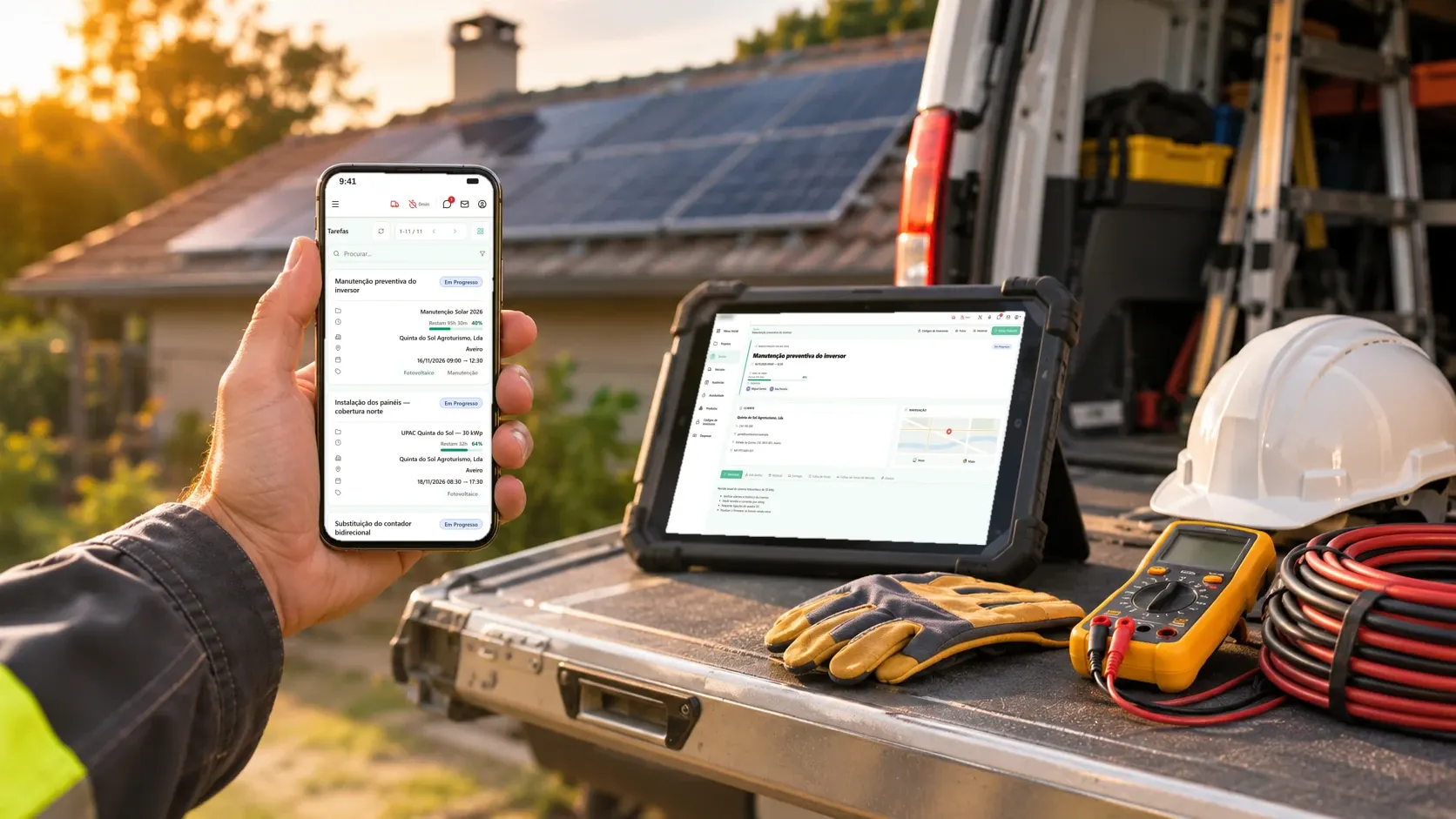
A document management platform built once and configured for two clients: at an engineering firm it organises clients, cases and requested documents, with a client portal; at a municipality it makes an archive that was entirely on paper searchable.
- Line of work
- Custom software
- Year
- 2026
Two organisations with nothing in common except the same problem: too many documents, and too little time to find them.
One is an engineering firm that produces technical designs and certifications (gas, electrical, acoustics, energy certification, fire safety), usually at the request of architects and builders, for their clients' projects. The other is a municipality in the Viseu district whose entire archive was on paper. Both wanted a document management platform that fitted the way they already worked and was ready to make use of artificial intelligence. We built one base and configured it for each of them, with their own look, their own vocabulary and the modules each one needed.
See it in action
The challenge
At the engineering firm, the organisation was there, but it took work. Requests arrived by email and were handled by hand: read them, work out what kind of job it was, create the client's folder, open the case and file the attachments. The shared drive was well organised, but every client and case folder was created by hand, and every document that arrived by email was moved into it by hand. Asking a client for what was missing meant emails going back and forth. And the technical reports (memórias descritivas) were written from scratch for every case, even though they almost always followed the same model.
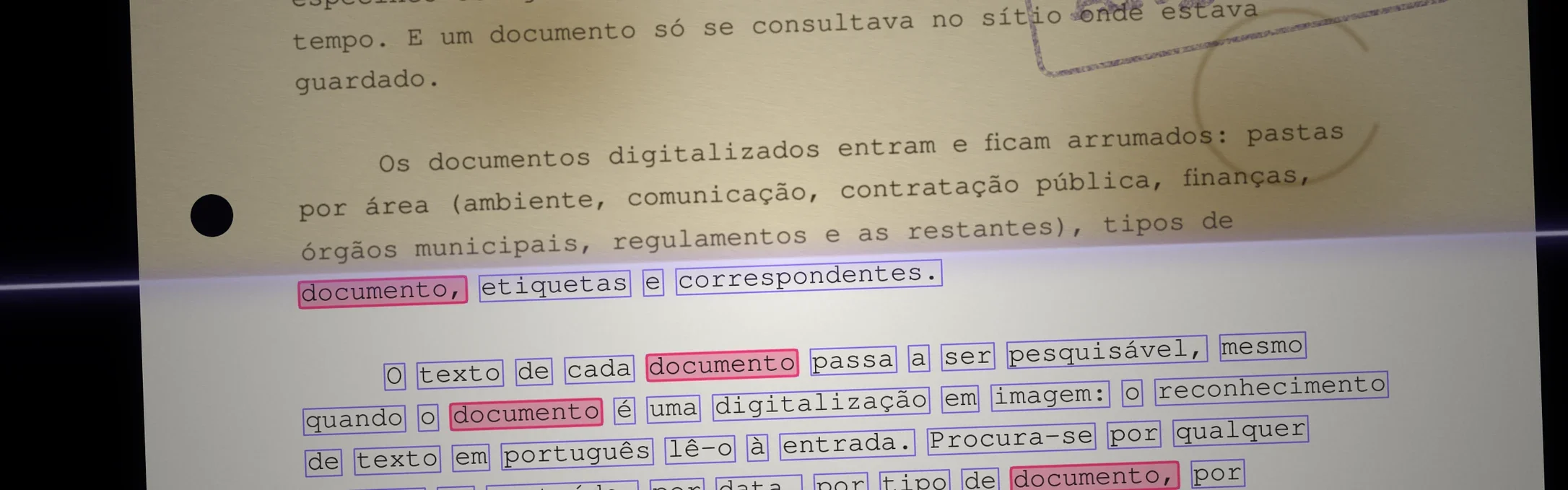
At the municipality, the problem was finding things. The whole archive was on paper. Looking for a specific document meant going folder by folder, by hand, and could take a long time. And a document could only be consulted where it was kept.
The solution
One base, two installations
The core is the same in both: a digital archive where documents come in, are stored in an organised way and can be found quickly, with Portuguese text recognition, document types, tags, folders, saved views and per-user permissions. On top of that core, each installation has its own identity (the organisation's colours and logo) and the modules its work calls for. What is common is built once, and what belongs to each is configured separately.
At the engineering firm: clients, cases and requested documents
Everything starts with the case type. Gas, telecoms (ITED), HVAC, building acoustics, energy certification, fire safety: each type of job has its own folders and its own list of requested documents. When a case is opened its type is chosen, and the folders and requested documents are copied into it. Changing a type does not touch the cases that already exist, so the model can be refined without rewriting the past.
The dashboard opens on what is still open. How many clients, how many cases open and in progress, how many documents came in this month, the most recent cases and clients, and what each client still has outstanding. Any document, client or case can be found by searching, by name, tax number or reference.
Every case knows what it is missing. Inside a case are its folders and, in each one, the requested documents: those that have arrived, with who uploaded them and when, and those still missing, each with its own upload button. A bar shows how many of the requested documents are already in the case, and the list can grow with a document that a particular case needs.
Messages stay in the case they belong to. Each case has its own conversation between the team and the client, with attachments and notifications, instead of an email thread someone has to go looking for. A document sent there lands in the right case.
Clients deliver what is missing without anyone chasing them by email. In the portal, each client sees only their own cases, what they have delivered and what is missing, and sends documents directly. Architects, who bring in cases for several clients, see all of them, grouped by client.
The technical report no longer starts from a blank page. The report generator is built and in testing, inside the case itself. The next phase is for artificial intelligence to draft the reports from the case's documents, and only once they have all been delivered, for the team to review rather than write.
Next, the inbox. Also in the next phase is an AI agent that reads incoming emails, works out what the request is, creates the client and the case and files the attachments in the right folder. When information is missing, such as the tax number, it asks the client for it by email.
At the municipality: the paper archive, searchable
Scanned documents come in and stay in order. Folders by area (environment, communication, public procurement, finance, municipal bodies, regulations and the rest), document types, tags and correspondents.
The text of every document becomes searchable, even when the document is a scanned image: Portuguese text recognition reads it on the way in. You can search for any word in the content, or by date, document type, correspondent or tag, and the most frequent searches are kept as saved views.
Built with
 Angularinterface

 Djangoserver
 PostgreSQLdata
 Geminigenerative AI
 Cloudflaresecure access
The relational database holds the clients, the cases and the link between each document and the request it answers. Hosting is self-managed, with secure access from outside.
The result
At the engineering firm, opening a case now brings its folders and the list of what is needed, and clients deliver what is missing through the portal instead of over a string of emails. The archive, the client portal and the messages are finished, and the report generator is in testing. The email agent and AI-drafted reports are the next phase.
At the municipality, a document that used to be searched for by hand, folder by folder, is found in seconds from a computer, by searching for a word in its content.